
 Shane Naugher
What is SSO (Single Sign-On)?
 Shane Naugher : Mar 4, 2026 7:00:01 AM
You know the feeling. It’s 8:07 a.m. You’re trying to check email, log into your accounting software, open your CRM, approve something in Microsoft...
%20-%202026-04-22T100154.659.png)
You’re going through your inbox like usual, nothing out of the ordinary.
Then one email makes you pause.
It looks real. The logo checks out. The message feels urgent.
That pause? That’s the moment that matters.
Phishing emails don’t break into your systems, they wait for you to open the door.
Phishing emails used to be easy to spot. Bad grammar, strange formatting, obvious red flags.
Not anymore.
Today’s phishing emails often look like they came from:
They’re designed to blend into your normal day. That’s what makes them dangerous.
If you’re trying to figure out how to spot a phishing email, these are the signs that show up most often:
Notice how most of these don’t scream “scam”—they just feel slightly off.
That’s intentional.
%20-%202026-04-22T105425.607.png?width=1280&height=720&name=Featured%20Image%20Size%20(1280%20x%20720%20px)%20-%202026-04-22T105425.607.png) What a Real Phishing Email Might Look Like
What a Real Phishing Email Might Look LikeImagine getting this email:
“Your Microsoft 365 password is about to expire. Click here to reset it.”
Everything looks normal. Branding is clean. No spelling errors.
But the link takes you to a fake login page.
You enter your password… and now someone else has it too.
From there, they can access your email, send messages as you, or try to get into other systems.
That’s how fast a phishing attack can move.
When a phishing email works, it rarely stops with one person.
One compromised account can lead to internal emails being sent to your team, financial requests that look legitimate, or access to sensitive business data.
In some cases, businesses don’t even realize what happened until days later.
And by then, the damage has already spread.
You don’t need complicated tools to reduce your risk, you need better habits.
Slow down before clicking links. Double-check sender addresses. If something feels urgent, take a second to verify it another way.
If you’re using Microsoft 365, features like login alerts and security notifications can help you catch suspicious activity early.
And just as important, your team needs to know what to look for. Most phishing attacks succeed because someone didn’t recognize the signs in time.
If something feels off, trust that instinct.
Don’t click links or download attachments.
Verify the request through another method (like a phone call).
Report the email to your IT provider or internal team.
Delete it once you know it’s not safe.
Quick action here can prevent a small mistake from turning into a bigger issue.
How can I tell if an email is phishing or legitimate?
Look closely at the sender’s email, avoid clicking links right away, and verify anything that feels urgent.
What is the most common type of phishing email?
Emails pretending to be Microsoft 365 login alerts or password resets are some of the most common.
Can phishing emails bypass spam filters?
Yes. Many are designed specifically to get through filters, which is why user awareness matters.
What happens if I click a phishing link?
You could be redirected to a fake login page or trigger malicious activity. Acting quickly can limit the damage.
Should I report phishing emails?
Yes. Reporting helps protect others and allows your IT team to respond appropriately.
Phishing emails are getting harder to spot, and expecting your team to catch every one isn’t realistic.
That’s where having the right support matters.
DaZZee helps small businesses stay protected through Fortify IT and Managed IT services, combining monitoring, security tools, and user training so threats are caught early, not after they cause problems.
If you want more confidence in your cybersecurity, schedule a consultation with DaZZee today.
%20-%202026-02-24T100324.990.png)
Shane Naugher : Mar 4, 2026 7:00:01 AM
You know the feeling. It’s 8:07 a.m. You’re trying to check email, log into your accounting software, open your CRM, approve something in Microsoft...
Shane Naugher : Apr 24, 2025 10:00:00 AM
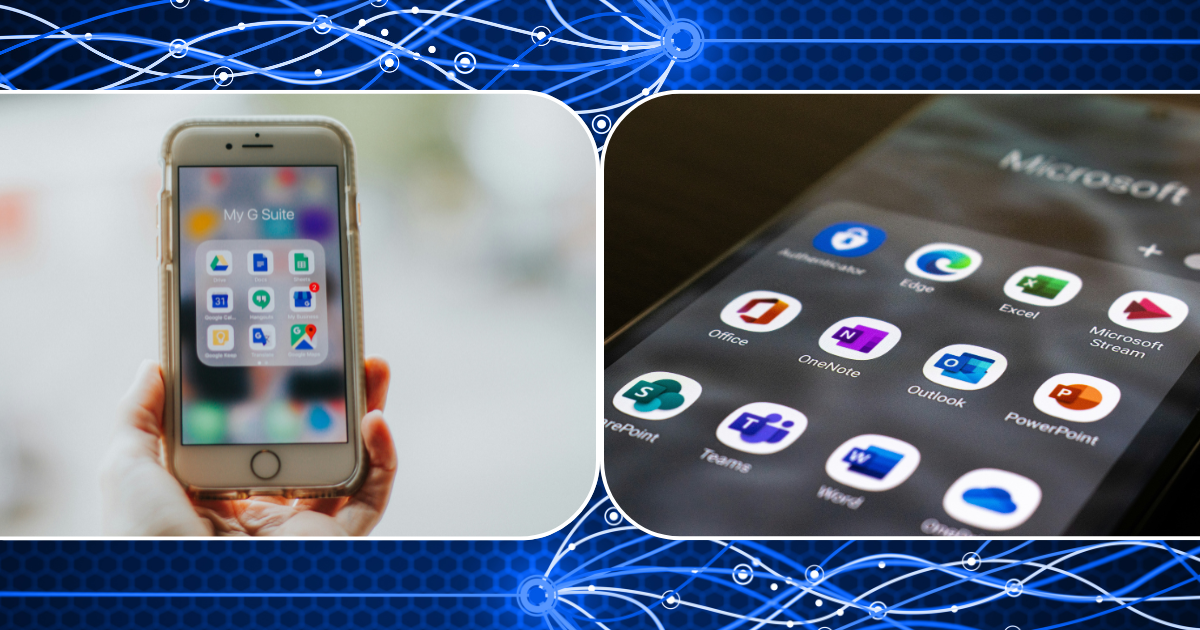
Let’s be honest—choosing between Microsoft 365 and Google Workspace feels a bit like picking between coffee and tea. Both get the job done. Both have...
%20-%202026-03-11T111341.606.png)
Shane Naugher : Mar 13, 2026 7:00:00 AM
PDF files are one of the most common document formats used in business. Invoices, reports, contracts, receipts, and proposals are often sent as PDFs...